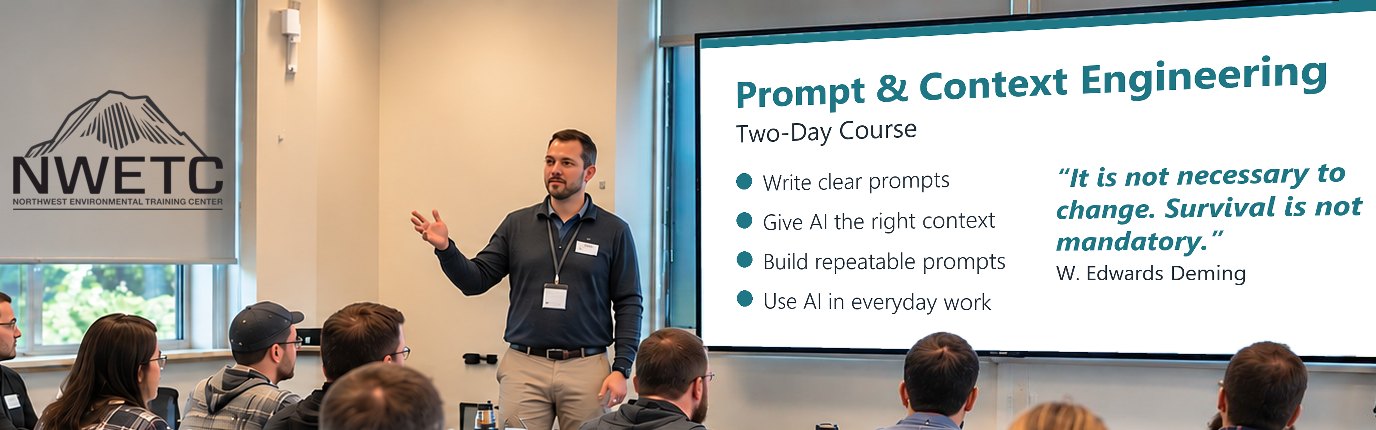
Prompt & Context Engineering
AI-102
Clear, Repeatable AI Work
Two-day course on what to ask AI, how to keep it focused, and how to build prompts you can reuse.
Course purpose
Learn what to ask AI, what to give it, and how to save what works.
- SpecifyTask · Criteria · Test
- BriefContext · Guardrails · Sources
- ReusePrompts · Checks · Tests
Crawl, Walk, Run. Most of this course is crawling: basics, practice, checks. You'll walk some, then crawl again with each new skill. It's a loop, not a ladder.
Across the course
- Your expertise leadsAI handles the routine; you bring the analysis, experience and final call.
- Current sourcesTools change often. Check what yours allows today, and your organization's rules.
- Defensible workKnow where every fact, assumption and conclusion came from, so your work holds up to questions.
- Human in the loopPeople decide; AI output never approves itself.
- Verify before trustingCheck AI output against the sources before you use it.
- It's a grindYou'll fail, learn and succeed, often in the same session. Unlearning old habits takes work. It can pay off, not overnight.
What you'll have the opportunity to build
Five working tools you start in class and keep using at your job.
- Prompt template + scorecard
- About-my-work brief + project sources
- Folder cleanup checklist
- Repeatable prompt + test cases
- Approved text library + sign-off map
How you'll learn
Short lessons, then hands-on practice on your own real tasks, taught by people who use these tools in their own work every day.
You decide what happens to every AI result: accept it, verify it against the source, reject it if unsupported, or escalate it to an expert.
For anything sensitive, we provide practice material.
Let AI platforms check each other
Use a second or third AI platform to critique, compare or argue the other side. The sources and your judgment still decide.
4-hour overview or two-day course?
Prompt & Context Engineering comes in two lengths. See the 4-Hour Overview
| 4-Hour Overview | Two-Day Course | |
|---|---|---|
| Time | 4 hours, one morning | 2 full days |
| Depth | Key ideas and short guided practice | Full method, practice on your own work, five working tools you keep |
| Best for | A first look, or deciding whether the full course fits | Building the skill for daily work |
Since mid-2024, NWETC has changed its ways of working by incorporating AI tools. We earned that expertise the hard way, through constant practice, success and failure, and every class gives you hands-on time applying AI tools in your professional role.
Course details
Anyone who already uses AI at work, in the office or the field, and wants more reliable results.
You can use an AI chat tool and check a result. AI Foundations helpful, not required.
- Writing Clear Prompts: Say exactly what you need, set limits, and decide what a good result looks like.
Covers: Turn a topic into a task · A simple prompt checklist (CRAFT) · Spot why a result missed · Decide what good looks like first
Practice + build: Rebuild your prompt · Diagnose bad results · Save a template - Giving AI the Right Context: Give AI what it needs and what to skip, so it stays focused. Keep it up to date, and leave out anything you shouldn't share.
Covers: Prompt vs. context · Carry work to a new chat · Answers tied to sources · What AI remembers, what's current
Practice + build: Write an “about my work” brief · Set up project sources · Clean up a messy folder · Check an AI-written handoff - Building Repeatable Prompts: Save what works, with its context and guardrails, so you can reuse it, adjust it and share it.
Covers: Break a big task into small steps · Templates and saved skills · Check each step before the next · Where you sign off
Practice + build: Save a prompt to reuse · Add a sign-off step · Try it on 3-6 cases first · Re-test when the tool changes - AI in Your Everyday Work: Use what you've built on routine work tasks, with a person approving the result.
Covers: Meeting notes to a task list · Draft from your organization's approved text · Finance tasks you check · Map who signs off in your group
Practice + build: Use it on a routine task · Check AI drafts against the originals · Trade and test with a partner
Attendees will receive a course ebook.
Computer with internet access