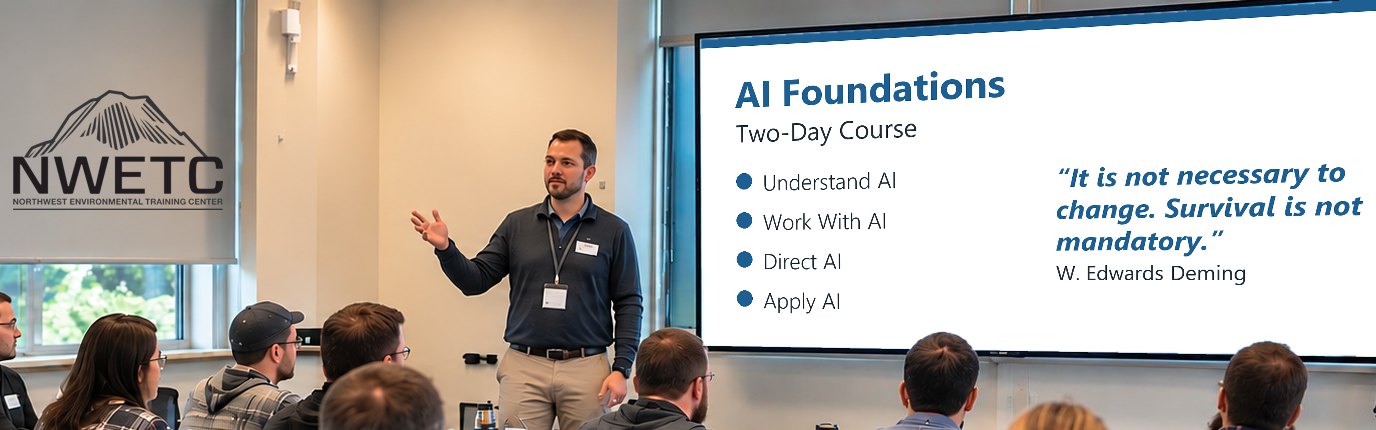
AI Foundations
AI-101
Building Your AI Skills for Work and Life
Questions we answer
What is AI, where does it fit, how do I use it responsibly, and how do I get better results?
- UnderstandUses · Limits · Risks
- Work With AIAI's part · Your part
- Direct AIAsk · Verify · Improve
Crawl, Walk, Run. Most of this course is crawling: try AI on low-risk tasks and check the result. You may walk in one area and crawl in another. It's a loop, not a ladder.
Across the course
- Your expertise leadsAI handles the routine; you bring the analysis, experience and final call.
- Current sourcesTools change often. Check what yours allows today, and your organization's rules.
- Defensible workKnow where every fact, assumption and conclusion came from, so your work holds up to questions.
- Human in the loopPeople decide; AI output never approves itself.
- Verify before trustingCheck AI output against the sources before you use it, more closely when more is at stake.
- It's a grindExpect wins, misses and light-bulb moments, often in the same session. Every miss teaches you something.
What you'll have the opportunity to build
- Get to know your own AI tools, at work and at home
- Task map: what AI does, what you check
- An improved prompt + a checked result
- Your go-to prompt and checklist for a task you repeat
- A 30-day plan to keep learning and using AI
How you'll learn
Short lessons, then hands-on practice on your own real tasks, taught by people who use these tools in their own work every day.
You decide what happens to every AI result: accept it, verify it against the source, reject it if unsupported, or escalate it to an expert.
For anything sensitive, we provide practice material.
Cross-check with two or three AI platforms to catch errors and find better answers.
4-hour overview or two-day course?
AI Foundations comes in two lengths. See the 4-Hour Overview
| 4-Hour Overview | Two-Day Course | |
|---|---|---|
| Time | 4 hours, one morning | 2 full days |
| Depth | Key ideas and short guided practice | Full method, practice on your own work, a 30-day plan |
| Best for | A first look, or deciding whether the full course fits | Building the skill for daily work |
Since mid-2024, NWETC has changed its ways of working by incorporating AI tools. We earned that expertise the hard way, through constant practice, success and failure, and every class gives you hands-on time applying AI tools in your professional role.
Course details
Anyone, at work, at home or in the field, who is skeptical, curious or already using AI.
No experience needed.
- How AI Works & Where It Fits: What AI does well, where it goes wrong, and what to watch for before you rely on it.
Covers: What AI is, and isn't · What AI tools see, save and do · Wrong answers that sound right · Know what's safe to share · Files can hide instructions
Practice + build: Sort tasks by tool · Spot the errors · Check your settings - Working With AI: Who Does What: Decide what to hand to AI, what you check, and what stays yours.
Covers: What to hand to AI · What people do best · Bigger stakes, more checking · When not to use AI
Practice + build: Split a task: you + AI · Add review points · Rate tasks by stakes
Low stakes: a quick read · Moderate: check the source · High: verify, and a person approves - Better Results, Step by Step: The first answer is a draft. Learn the back-and-forth that turns it into something you can use, with AI as your guide.
Covers: What to include when you ask · Spot what's missing or off · Ask AI: what am I missing? · Split big asks into steps · Check sources and numbers
Practice + build: Improve a prompt in 3 rounds · Use a file, photo or table · Finish one checked task - How AI Can Change the Way You Work: Picture AI assistants as a team handling the details of your work while you do the thinking. Getting there takes time, practice and perseverance.
Covers: Calendar, email, meetings · Notes, records, teamwork · Managing AI like a team · Rethinking how you work · First look: AI agents
Practice + build: List your tedious tasks · Try AI on one, then check it · Build a starter kit · Plan your first 30 days
Attendees will receive a course ebook.
Computer with internet access