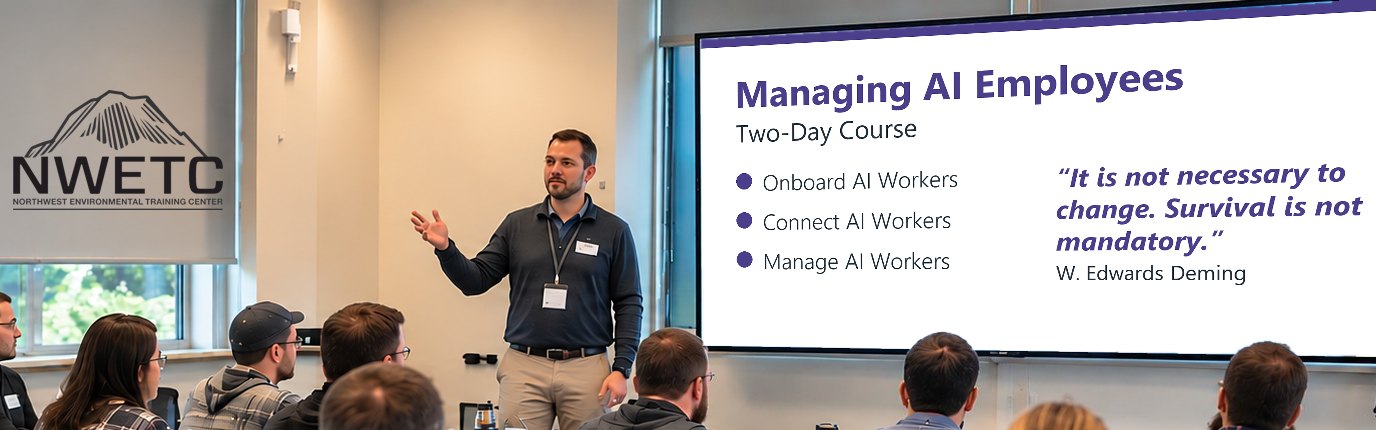
Managing AI Employees
AI-104
Onboard, Connect & Oversee
What you'll find out
How do I give AI an ongoing job, connect it to our systems, run several together, and keep them working well?
- Onboard AI WorkersIts role · Its access · Its manager
- Connect AI WorkersYour tools · Your records · Your OK
- Manage AI WorkersTeamwork · Reviews · When to stop
Crawl, Walk, Run. One file you build up across the four parts: one worker, then connected, then a team. It's a loop, not a ladder.
Across the course
- You stay in chargeA named person owns every step that matters.
- Only the access it needsConnect only what the job needs.
- What it reads isn't an orderEmails, documents and pages it reads are information, not commands.
- Proven before it does moreWiden what a worker may do only when its tests and record support it.
- Work others can checkJob descriptions, records and plans that work in any AI tool.
- It's a grindExpect wins, misses and light-bulb moments, often in the same session. Every miss teaches you something.
What you'll have the opportunity to build
- Job description: role, access and manager
- Map of its systems + a way to undo
- Team plan: who does what, handoffs
- Check-up plan: standards, cost, when to stop
- One-page record for each AI worker
How you'll learn
Hands-on from the start: you onboard, connect and manage AI workers on material we provide, with instructors who use AI workers in their own work.
You decide what happens to every AI result: accept it, verify it against the source, reject it if unsupported, or escalate it to an expert.
Manage an AI worker like a new employee: explain the job, check the work, and hold regular reviews.
Since mid-2024, NWETC has changed its ways of working by incorporating AI tools. We earned that expertise the hard way, through constant practice, success and failure, and every class gives you hands-on time applying AI tools in your professional role.
Course details
You've built a small agent and want AI to take on ongoing work, alongside other AI workers, with people in charge.
Building AI Agents or similar. No coding needed.
- Onboarding an AI Worker: Onboard an AI worker the way you would a new employee: explain the job, show how the work is done, give only the access the job needs, and name a manager.
Covers: A job description and a manager · What it needs to know and follow · Its own login, only the access it needs · More responsibility as it proves itself
Practice + build: Write its job description · Map who answers for what · Decide if it's ready to start · Set what good work looks like - Connecting to Your Systems: Connect it to the tools and records its job needs. You approve what it changes, see what it did, and can undo it.
Covers: What it reads, what it changes · Your OK before records change · When a step fails or repeats · A record of each step + a way back
Practice + build: Map the systems one task touches · Narrow a tool that can do too much · Work through a failed step · Plan how to undo a change - Coordinating Several Workers: Use a team only when one worker can't do the job. Give each a clear part, clean handoffs and limits.
Covers: One worker or a team? · Who does which part, and the handoffs · What they share, what stays separate · Limits on time, steps and cost · Stop one mistake from spreading
Practice + build: Choose: one worker or a team · Write the handoff notes · Settle a disagreement between workers · Trace a mistake back to its start - Managing Workers Over Time: Check its work on a schedule, notice when it slips, weigh cost against value, then keep, expand, limit or retire it.
Covers: Regular check-ups against the standard · Notice when its work slips · Cost against what it delivers · Test and approve every change
Practice + build: List every AI worker you run · Pause it, fix it, start again · Keep, expand, limit or retire?
Computer with internet access